Step 2. Register payment method
Information
- This step can be performed by a Billing Admin depending on the KakaoCloud IAM roles.
- If you do not register a payment method, you cannot proceed to the next step.
Register payment method
To use KakaoCloud services, you must register a payment method.
For more information about payment methods, refer to Manage payment methods.
Follow the steps below to register a payment method in the KakaoCloud console.
-
Go to Billing in the KakaoCloud Console.
-
Click the Register payment method button from the Payment methods menu.
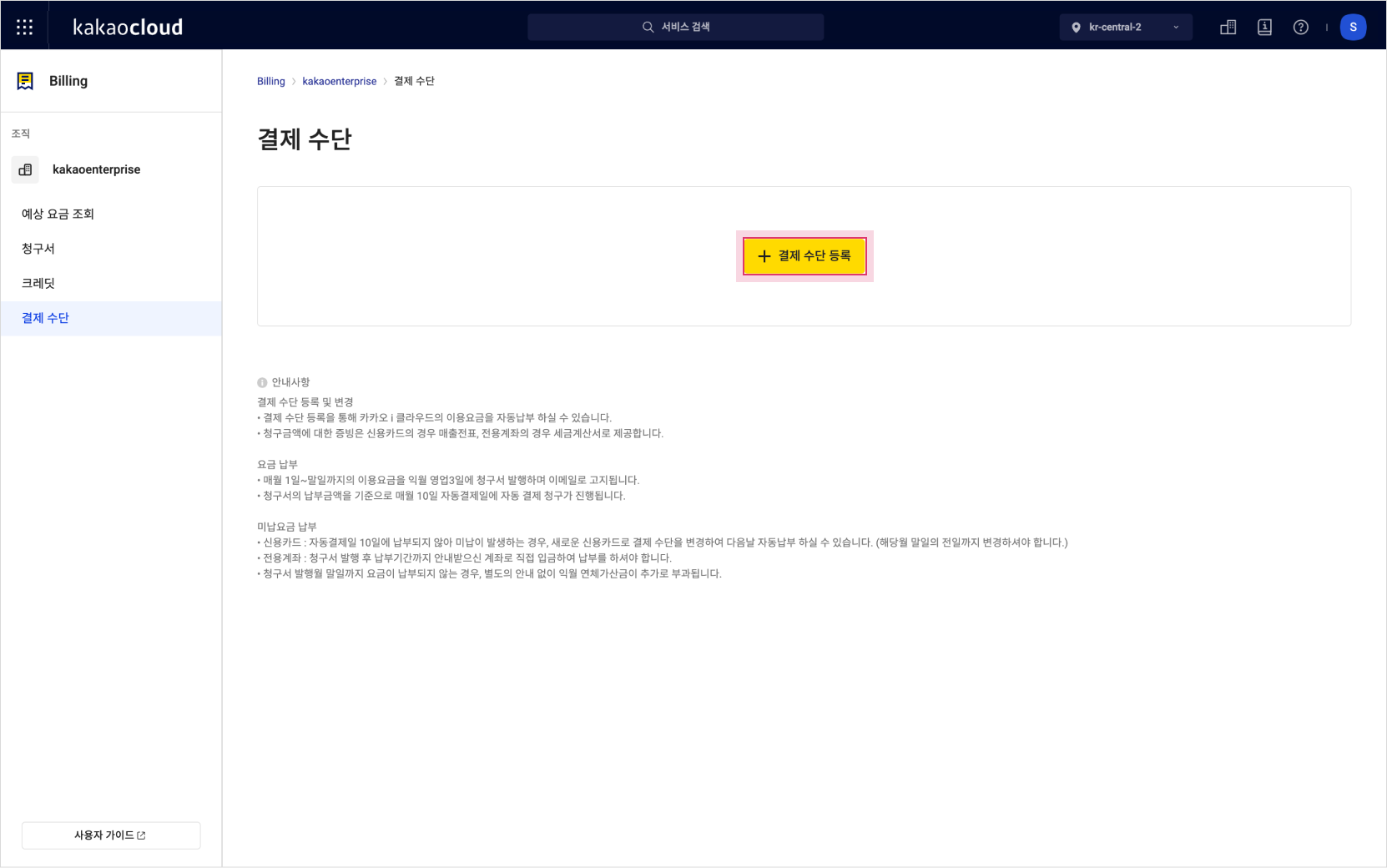
Register payment method -
In the Register automatic payment pop-up window, select the payment method and required agreements, then click the Next button.
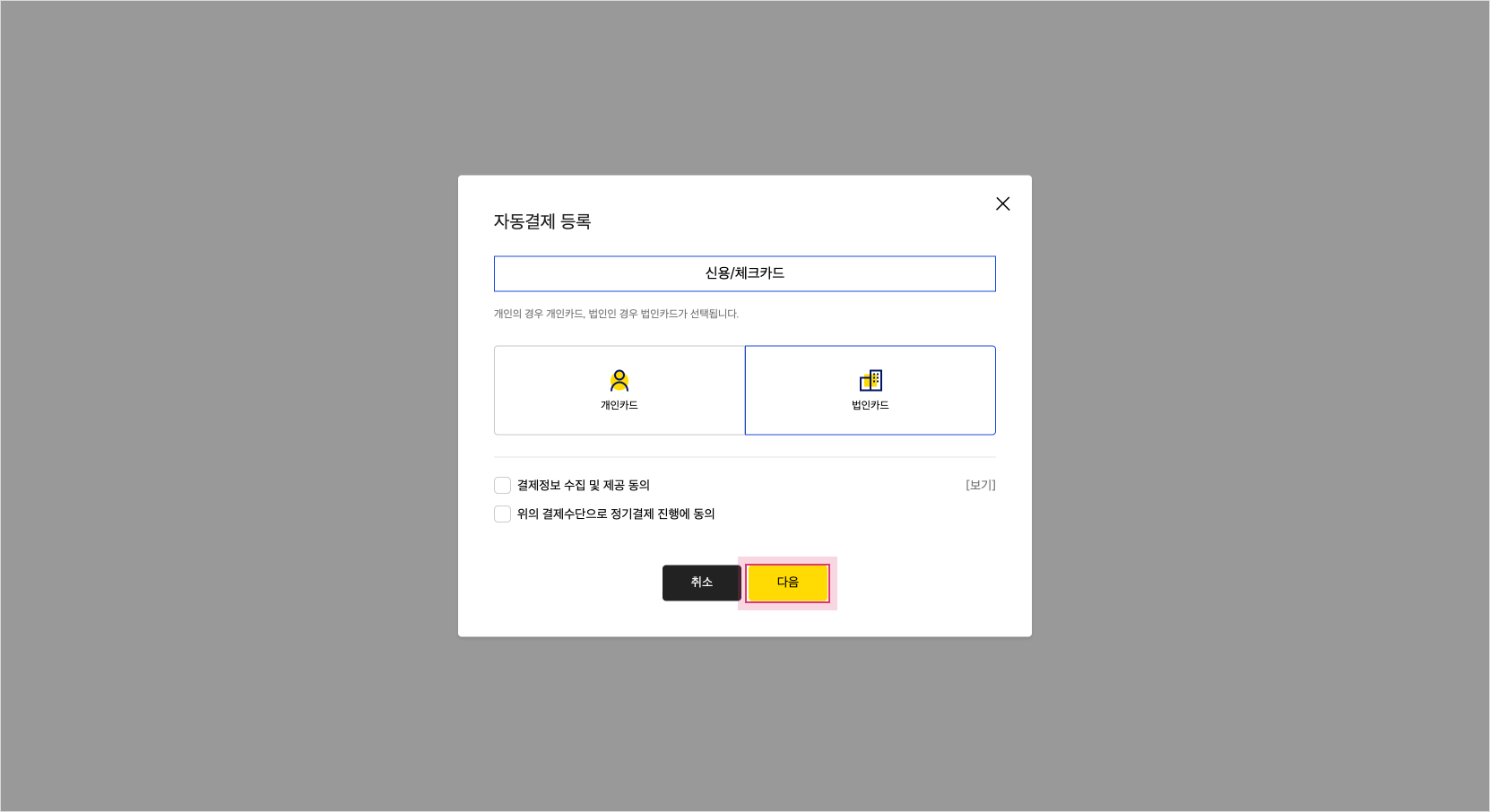
Register automatic payment -
Enter the payment information according to the selected payment method and complete the verification.
Customer type Payment method Verification Corporate Credit card Mobile phone verification: Named corporate card, personal credit card
Business registration number: Anonymous corporate card
info
Depending on the membership type, the available payment methods and verification information may differ. Refer to Manage payment methods.